Animation Import Pipeline
Context Menu buttons automatically format spritesheet and setup Sprite Library Asset.
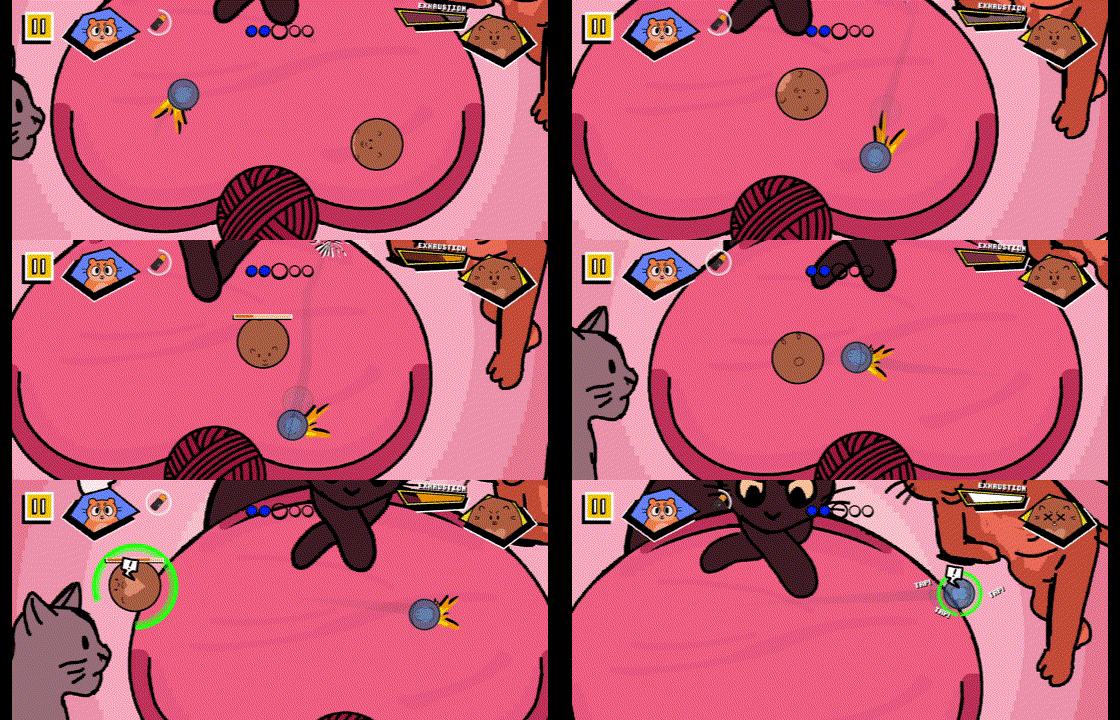
Each hamster in the Hamster Ball Blitz! has distinct sprites and animations. I created a system and animation import pipelines to allow for using different sprite sheets for the same animations.
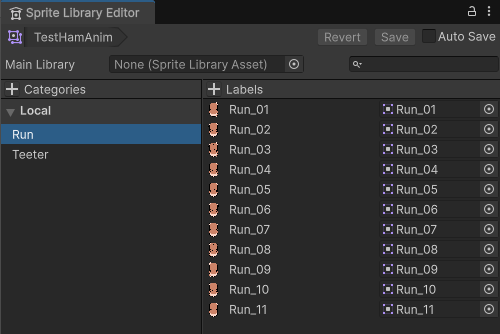
I created a custom Context Menu button in the Editor that automatically divides a spritesheet into individual sprites and then adds each sprite to a Sprite Library.
Our character animations choose the corresponding frame in the Sprite Library to render.
These tools I created resulted in faster importation of animation spritesheets that allowed for faster iteration and a larger cast of characters.
Sprite Library Asset
Character Animations render corresponding sprite in Sprite Library.
This system allowed us to have unique sprite sheets for each character in the game while preserving clean code architecture. The most exciting usage of this feature was the game's final boss Chunky Sandwich who replaces the typical hamster ball animations entirely and rolls around the arena with his large body.