


- Contributed core gameplay mechanics
- Created multiple boss enemies
Boss Implementation
I'd like the showcase my programming and animation process I utilized for some of the bosses I created for the game.
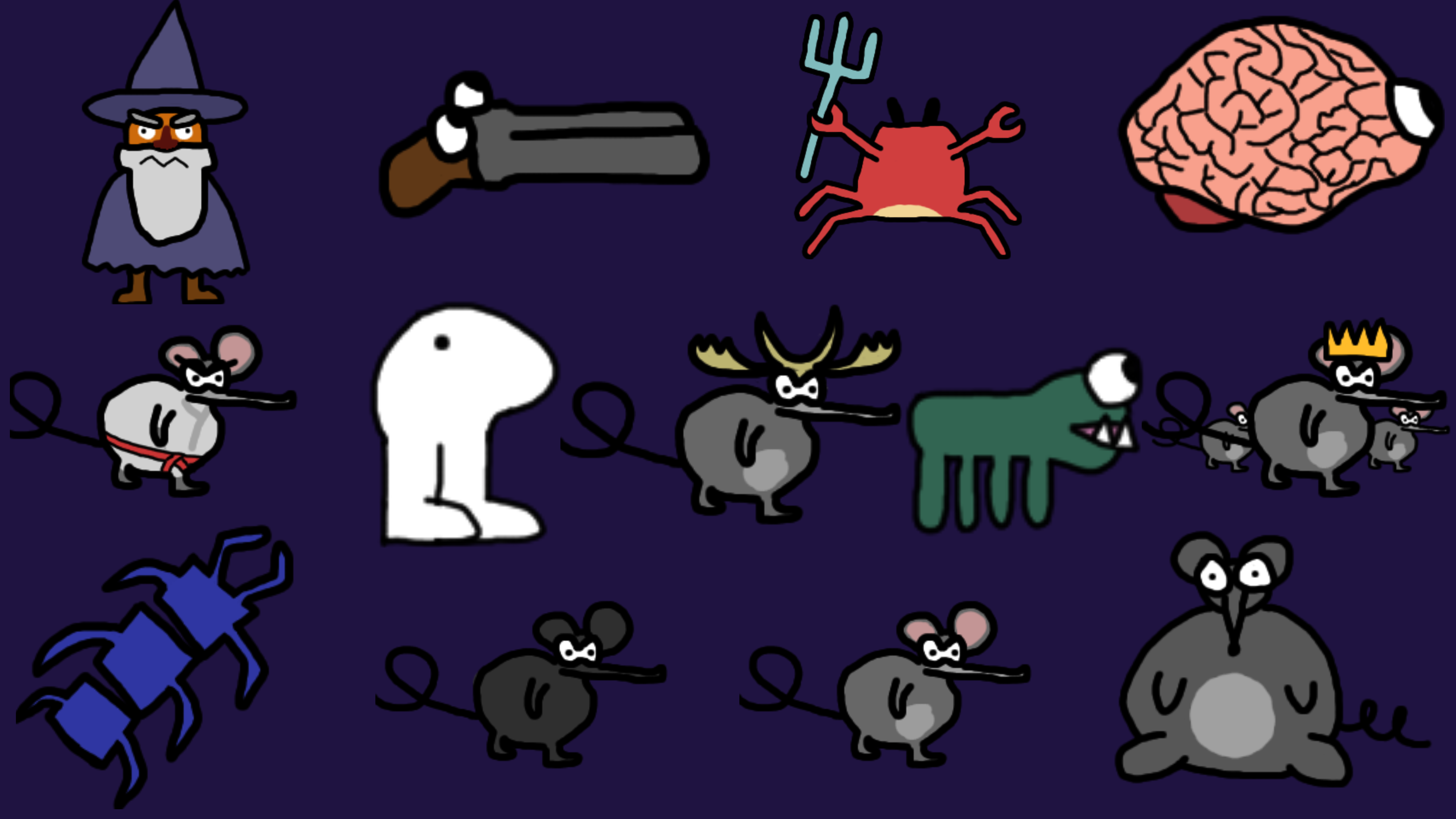
Gunther is a giant shotgun that has come to life and crawls around like an inchworm while littering the arena with explosive shotgun shells.
Animation Events
Gunther is a fully animated character with extended animations choreographing his next move. To ensure that his and visual effects sync up with these animations, I utilized Unity's Animation Events to set flags during the animation sequence to execute a method at a specific time.
Coroutine Based Behavior
To manage logic control flow, the timing of animations, and tune the rate of intensity of Gunther's attacks, I wrote his behavior methods as Coroutines.
The below code snippet contains the full behavior code for the boss. Using Coroutines allows each method to control when it is finished executing, which allows the overall behavior controller to be represented in a simple and easy to understand format, allowing for the potential for better development of enemy behavior.
Gunther Behavior
  private IEnumerator ShotgunEnemyBehavior() {
      print("ShotgunEnemyBehavior started");
      while (true) {
          yield return MoveToPoint(BossRoom.GetRandomPositionInRoom(5));
          yield return Attack_Shoot();
          yield return Attack_EjectShells();
          yield return new WaitForSeconds(1);
      }
  }`
Each individual attack can control its own timing, which I utilize below in the Attack_Shoot logic by only allowing Gunther to fire a shot if he is rotated to face the player. Since Gunther fires two volleys before ejecting shells, this also allows him to rotate to face the player between volleys.
By allowing each enemy move to dictate its own timing in this way, the behavior controller script doesn't need to be muddied up by smaller interactions like this.
Coroutine Logic
  private IEnumerator Attack_Shoot() {
      for(int i = 0; i < volleysPerAttack; i++) {
          _fired = false;
          yield return RotateToFacePlayer();
          if(!_fired) {
              _animator.SetTrigger("Shoot");
              yield return new WaitForSeconds(shootAnim.length + delayBetweenVolleys);
          }
      }
  }
  private IEnumerator RotateToFacePlayer() {
    float timer=0;
    while (Vector3.Angle(transform.forward, _player.transform.position - transform.position) > 10f){
        Vector3 targetDir = _player.transform.position - transform.position;
        float step = aimRotateSpeed * Time.deltaTime;
        Vector3 newDir = Vector3.RotateTowards(transform.forward, targetDir, step, 0.0f);
        transform.rotation = Quaternion.LookRotation(newDir);
        yield return null;
    }
    transform.eulerAngles = new Vector3(0, transform.eulerAngles.y, 0);
}